


Lock In.
Block Brainrot.
Stop Doomscrolling.
Flow is a privacy-first web extension that monitors your browsing, blocks distractions, and helps you build deep study habits — all running completely locally.



The Cost of Infinite Scroll
Modern websites are engineered to capture and hold your attention. Infinite feeds, instant notifications, and autoplaying loops hijack your focus, turning quick study breaks into hours of wasted time.
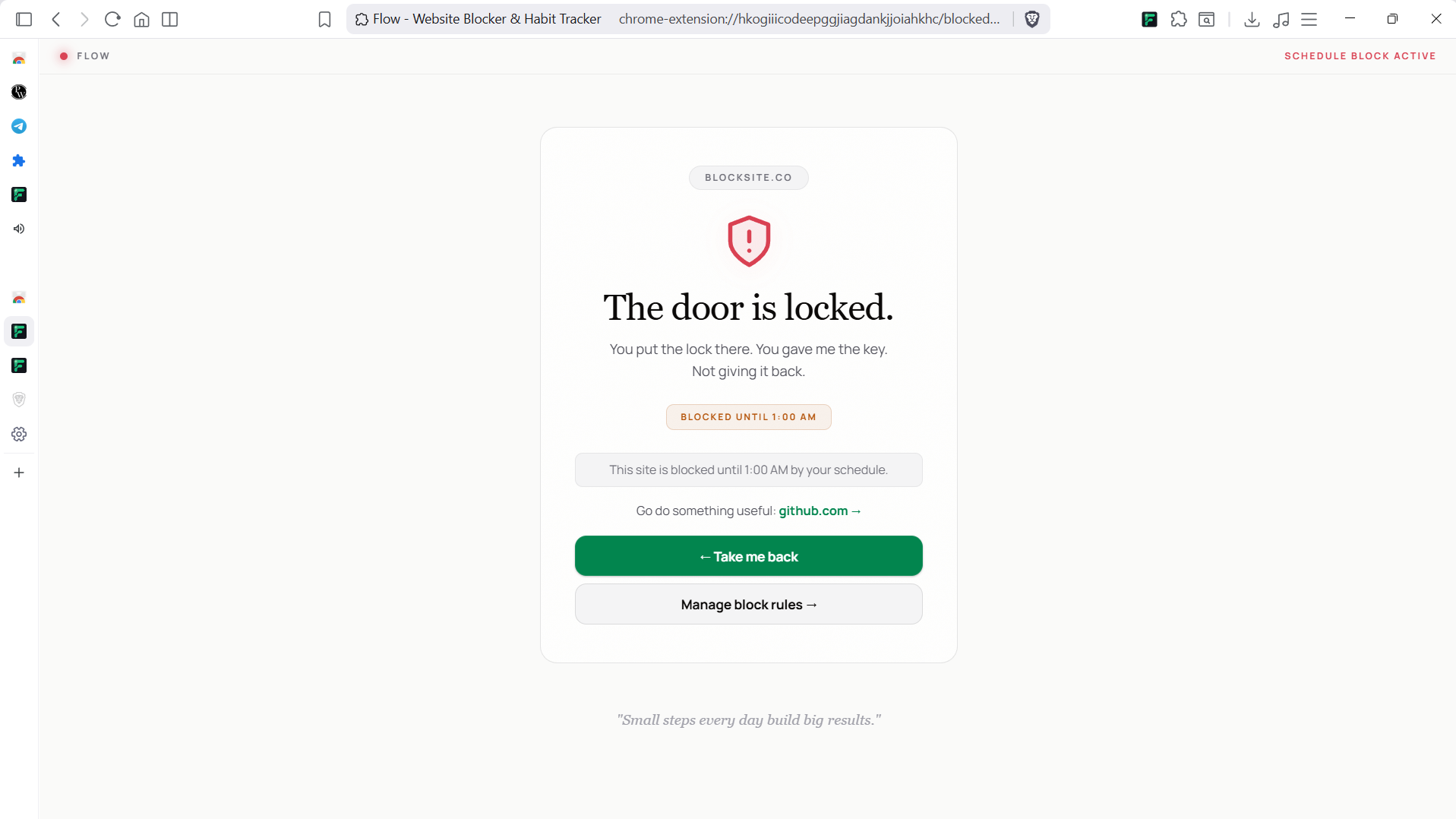
Flow is designed to disrupt this cycle. By blocking distracting components, enforcing focus timer constraints, and locking rules behind a custom PIN, Flow helps you reclaim your time and rebuild organic deep study habits.

Your Focus, Step by Step
Flow watches your browsing, blocks distractions, and helps you build deep study habits — all in your browser.
Track Everything
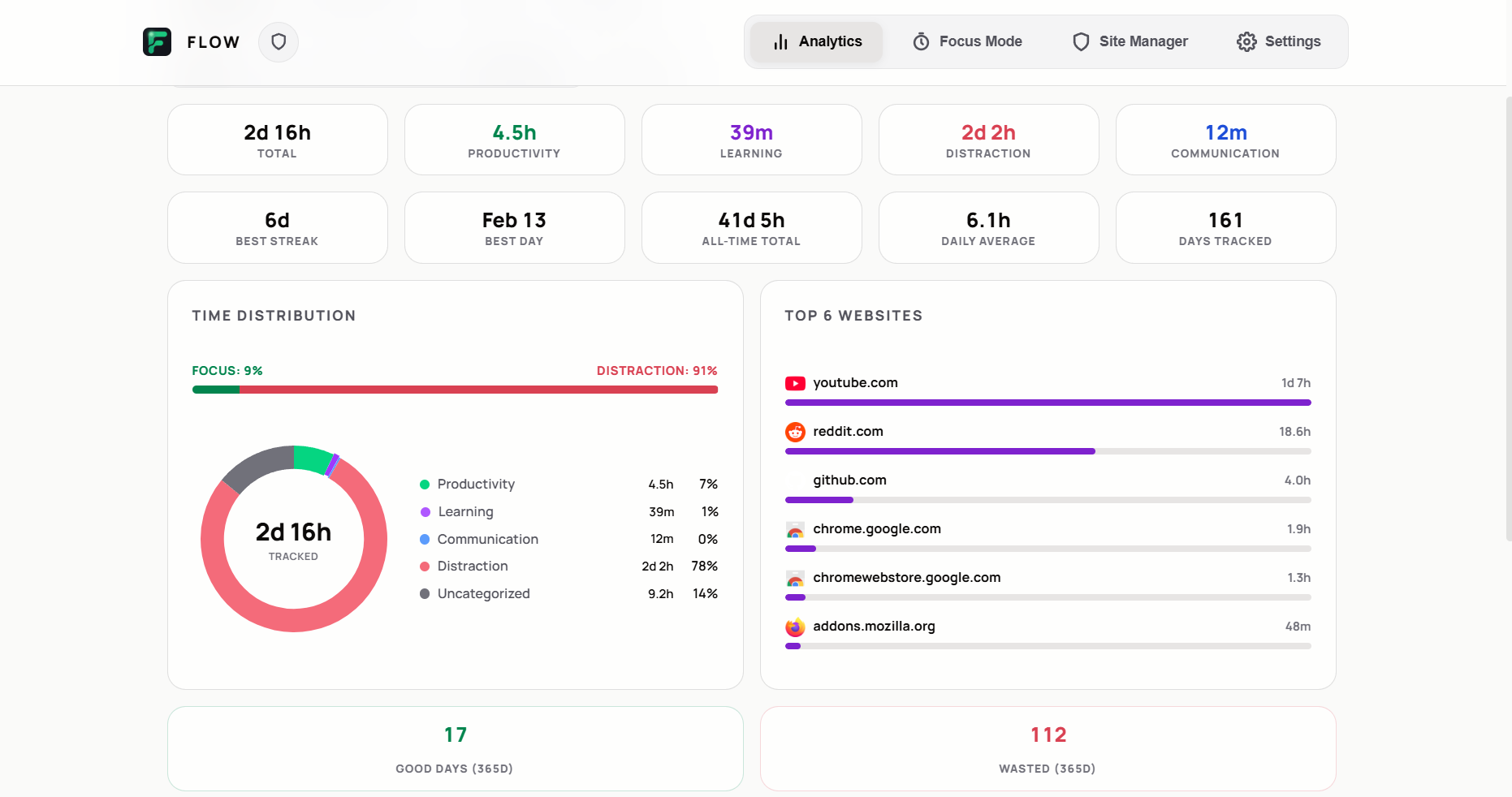
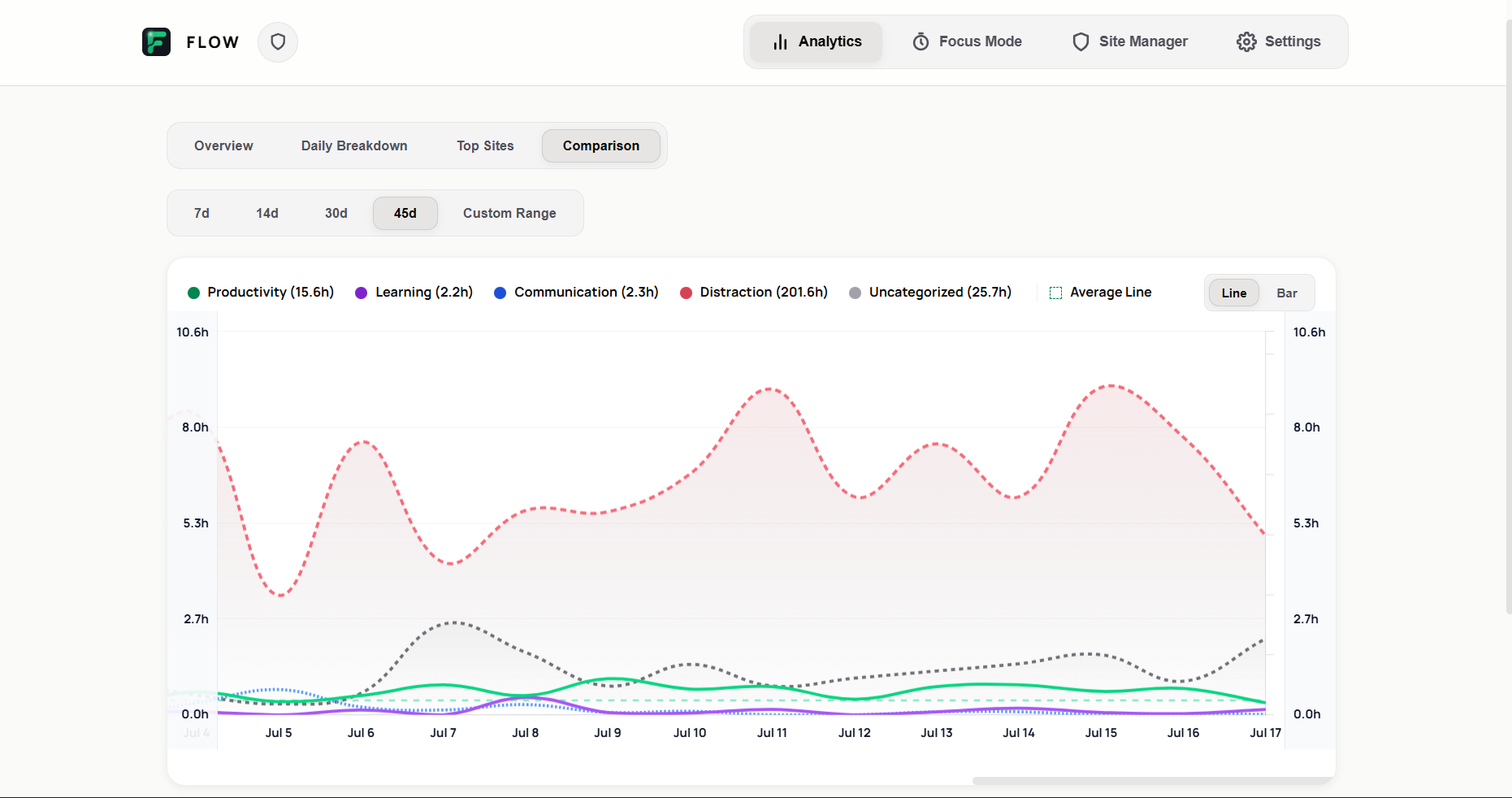
Flow silently monitors every site you visit and sorts them into categories — Productivity, Learning, or Distraction. See exactly where your hours go.
Block Distractions
Set custom rules for time-wasting sites. Lock them behind a PIN. Hide YouTube Shorts, Instagram Reels, and Reddit feeds with Site Tweaks.
Focus & Build Habits
Launch a Pomodoro timer, choose your preset, and start a deep work session. Build streaks, hit weekly goals, and watch your focus grow.

Loved by Focused Minds
Real feedback gathered from store ratings. See how Flow is helping users around the world get things done.
"I appreciate that it doesn't ask for my email and No subscriptions, no ads."
"Glad you noticed! Privacy and simplicity are the top priorities. Enjoy the distraction-free sessions!"
"very good extension can add more features in future. i had seen your reddit post as 12th grader you have done a very great job in 1.5 years"
"Thank you so much for the 5-star review and the kind words! It's awesome to connect with other students. I have a lot of exciting features planned for the upcoming updates, so stay tuned!"
better than the paid apps.
"Deleted stayfree for this.i'm not paying a monthly subscription just to hide a webpage element. Focusflow does it completely for free."
"Take that monthly subscription money and buy a pizza instead. Glad you like it!"
"Works perfectly on Edge. Zero complaints but I want to block specific YouTube channels too."
"Thanks for the review! Channel blocking is definitely on the wish list. I appreciate the feedback and support!"
"why it asking for downloads permision suddenly? what would u need access to download history for?i use this extension in my secondary browser so nevr properly used it so gave an avg 4 feedback will change it after properly trying it!"
"Hey Yugal, thanks for calling this out! You are totally right. We only added that permission for the weekly auto-backup feature. To keep Flow as simple and clean as possible, we are completely removing the auto-backup feature and the downloads permission in the upcoming update. You will still be able to manually export your stats whenever you want without any permissions. Thanks for the feedback!"
"Even when I am watching an important video on Youtube (Productive work) I have no option to it analysis that I was being productive rather than distracted add a feature to fix it pls... Basically a feature so that I can edit when I was using that app for work, or as distraction."
"Hey Krishan, thanks for the feedback! You are completely right. We are adding a Session Editor to allow manually reclassifying site categories in the next update. Stay tuned!"
Got Questions?
Everything you need to know about privacy, permissions, and features in Flow.
Absolutely not. Flow is built with a local-first privacy model. All your browsing logs, timer statistics, and blocked rules are stored directly on your computer's local storage database. We do not track, collect, sell, or send any of your history to external servers.
Flow needs these browser permissions to monitor when you are active on specific websites (to calculate your daily study trends) and to intercept distracting domains (to show the blocked page). This tracking is 100% local and processed completely in your browser.
Yes, Flow is 100% free, open-source, and contains zero ads or paid subscriptions. It is built and maintained as a passion project for students, developers, and writers looking to optimize their study habits.
Yes. You can manually download a full JSON backup of your study logs and rules from the settings dashboard under the "Migration & Imports" tab. You can also import history from other popular tracking extensions.
When enabled, the PIN lock protects rule editing, timer stops, and options pages. If you set a PIN and give it to a trusted study partner (or write it down somewhere hard to reach), you won't be able to bypass your own blocks during deep study sessions.
Reclaim Your Attention Today
Install Flow for free and customize your deep study environment in under a minute.